Chapter 1
Exercise 1
This is an exercise where I learned how to use the library of p5js and javascript knowledge
In this sketch I learned how to use p5js library functions and javascript basics. This includes shapes, variables
if-statements, for loops, the console, and more.
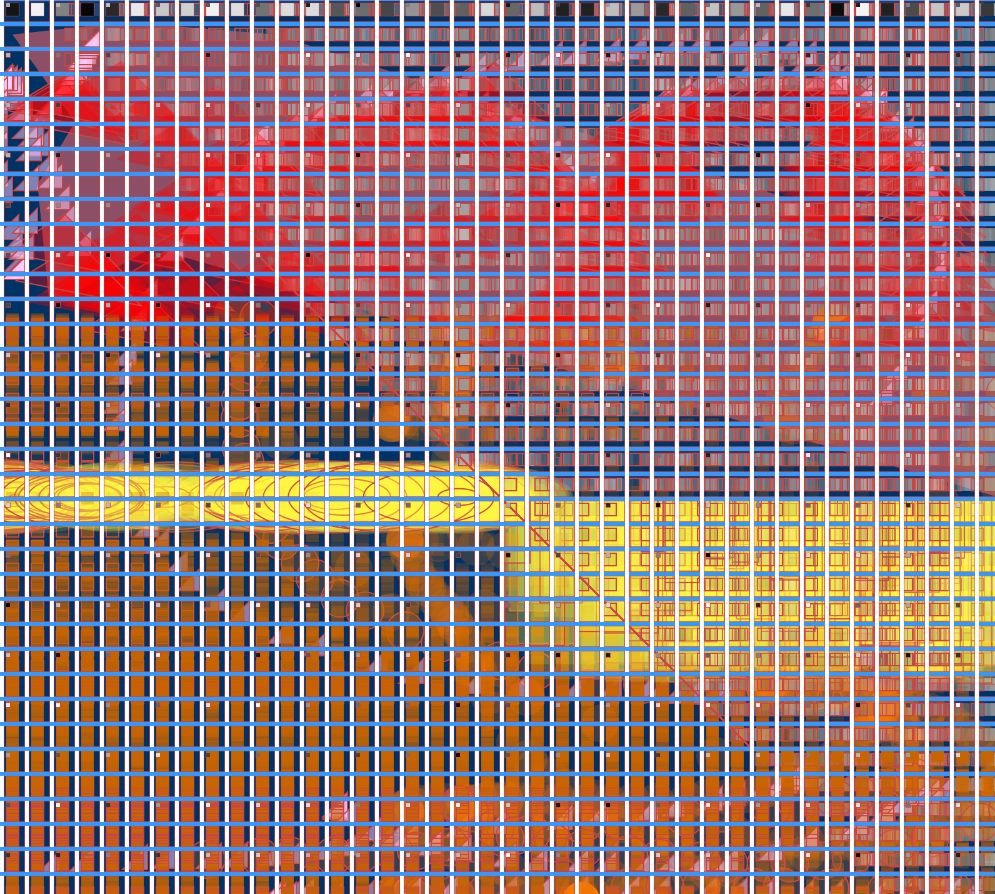
Additional variables such as mouseX and mouseY called from the p5js library and mouseIsPressed in this sketch allow
the user to draw faded pink triangles and cause the wallpaper to turn red.
See code for Exercise 1

Excercise 2
(placeholder) In this sketch we played with different kinds of built-in function definitions
In this sketch there are multiple interactions occuring from user input. The sign tells the
user what keys to press in order to play the events in the sketch.
One input that isn't mentioned is the mouseMoved() function that moves the cloud in the background. Other functions I learned
include mouseX, mouseY, mouseIsPressed, keyIsPressed, switch-key, and more.
See code for Exercise 2
Project 1
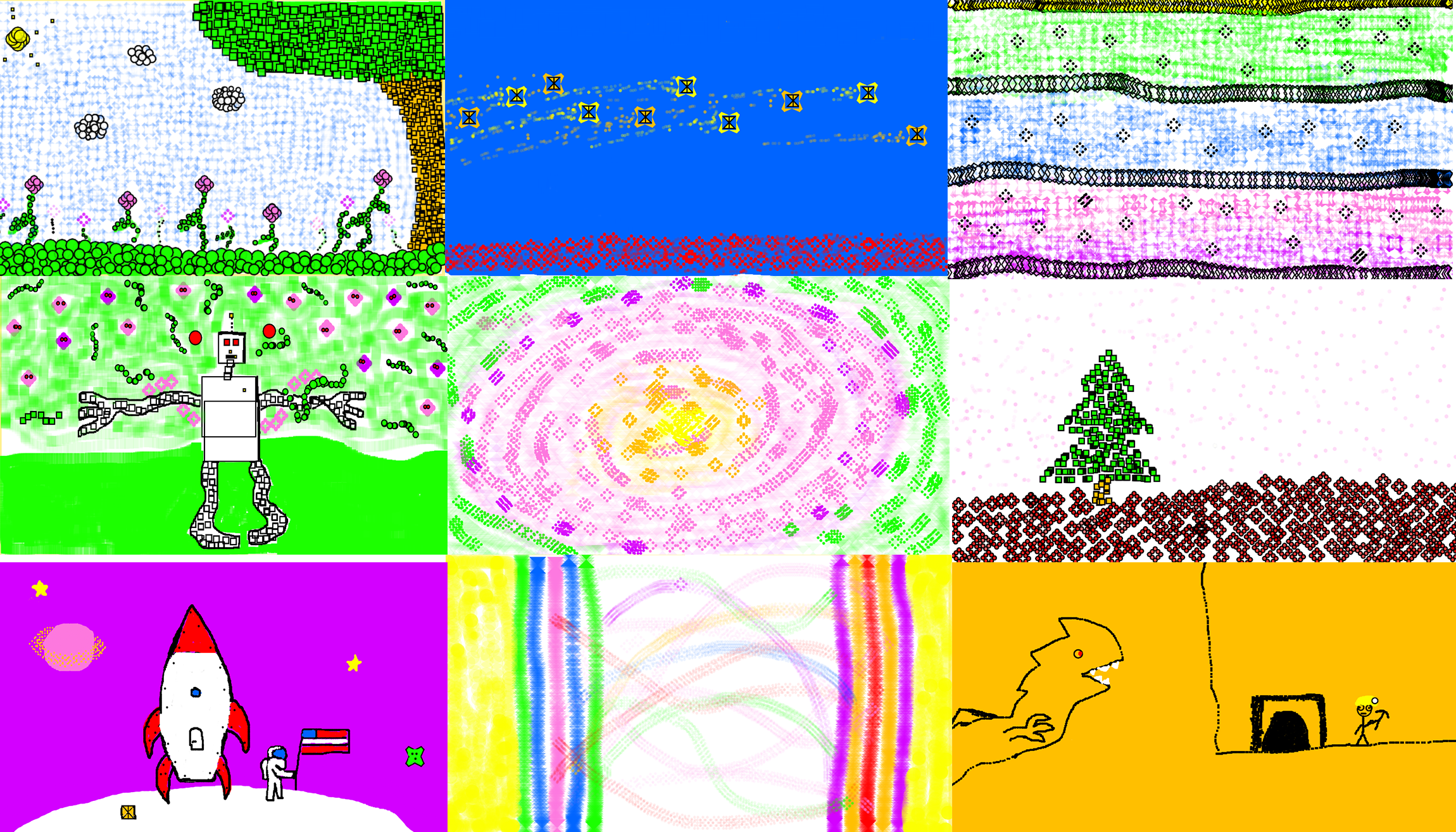
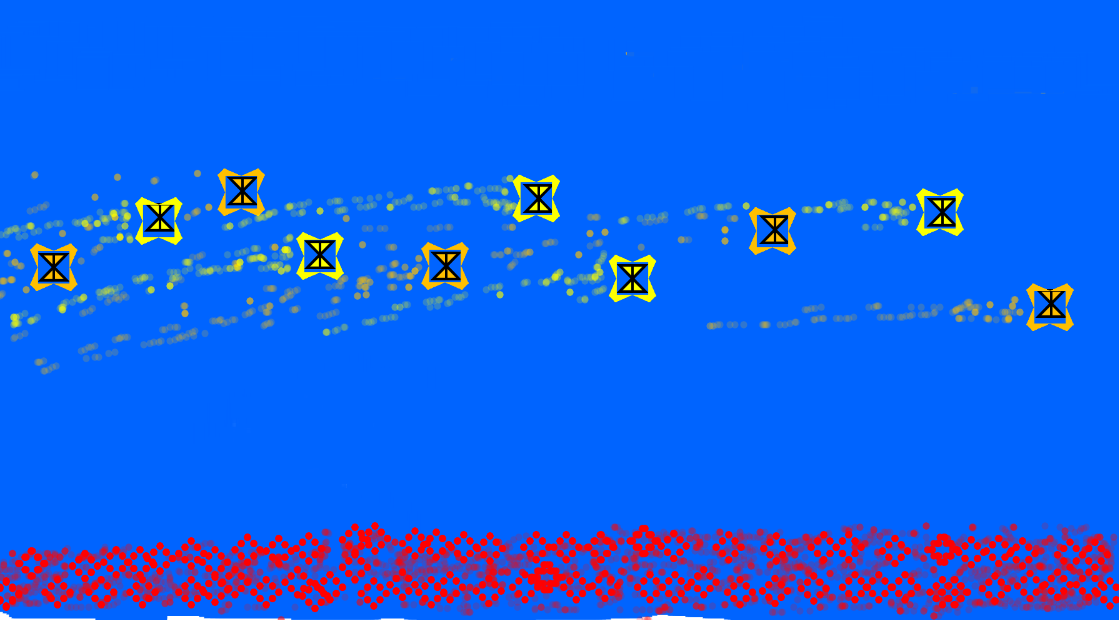
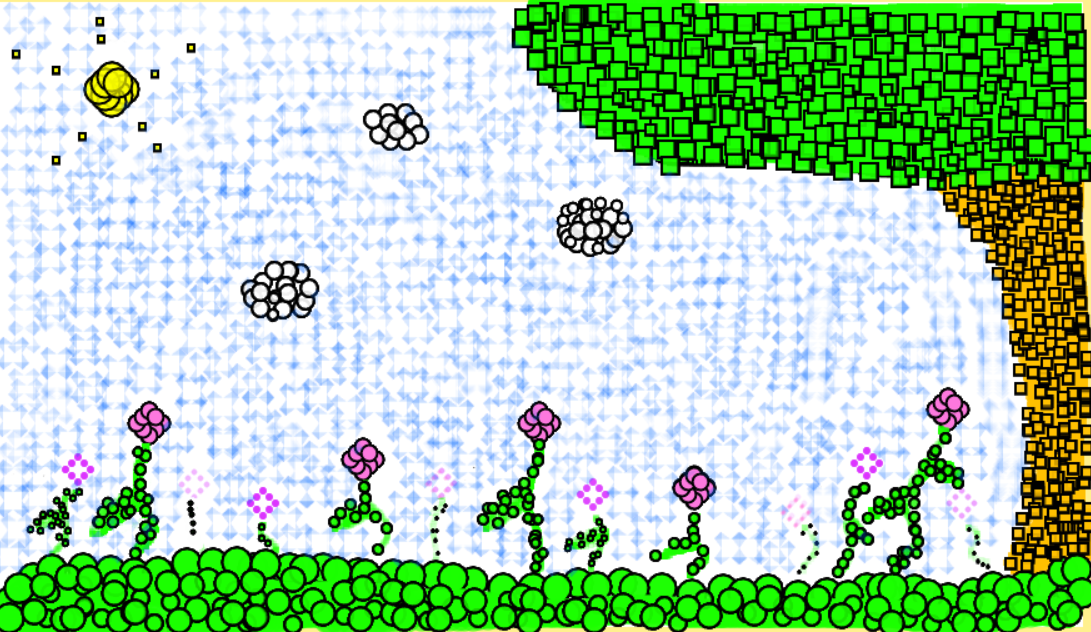
This project is an artist painting tool using the p5js library and experimenting with the artistic process of using a tool to create unique digital artworks.
What was succesfful about this project was the painting tool interface. While it didn't necessarily improve the speed of my workflow compared to keypresses,
the functionality of the interface was worthwhile. Pushing myself further than the requirements of the project was also a fun challenge.
Code for Project 1
 img 3
img 3 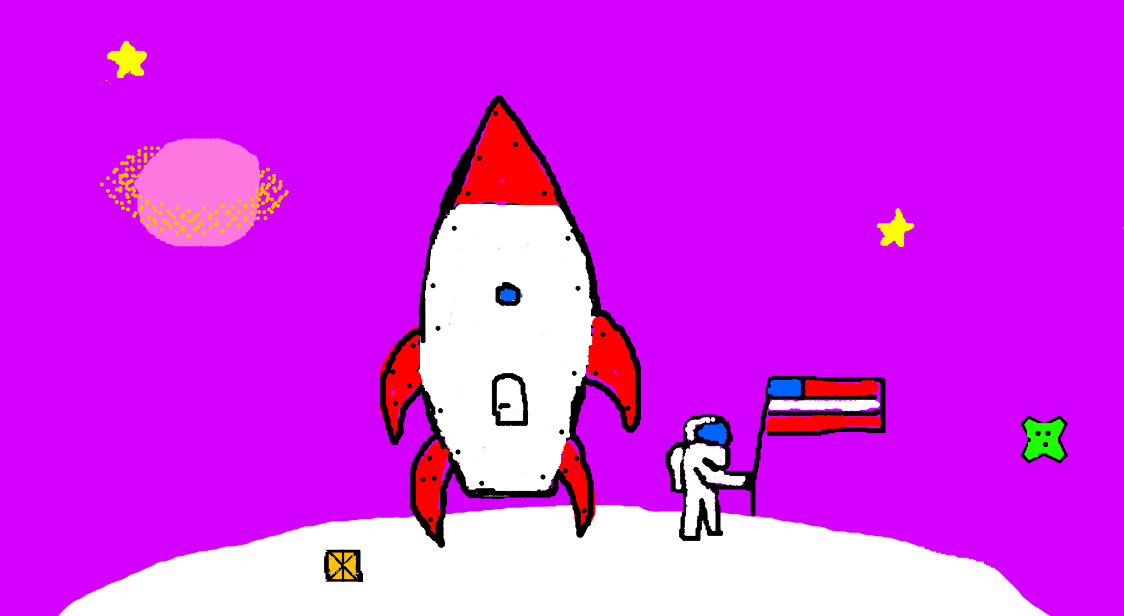 img 4
img 4